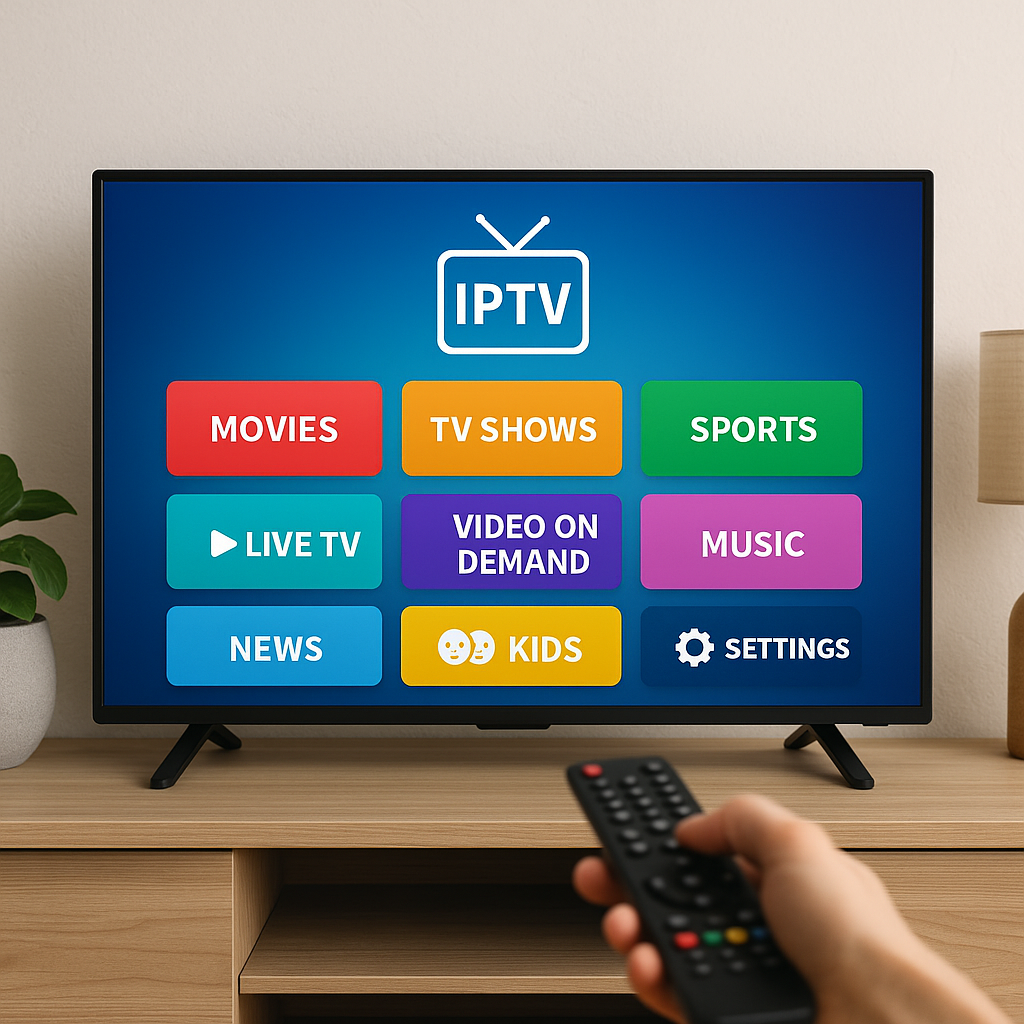
The perfect home streaming setup for IPTV starts with a simple goal: make your TV feel easy, smooth, and enjoyable every time you sit down to watch. With Primestelly, Canadian viewers can build a clean, reliable setup without needing to become networking experts or buy a room full of complicated gear.
A lot of viewers switch to IPTV because they want more choice, better flexibility, and a more modern way to watch live channels, sports, movies, and on-demand entertainment. The good news is that a great IPTV setup is not about buying the most expensive equipment. It is about matching the right internet, device, app, screen, and home layout to the way your family actually watches TV.
In most cases, small improvements make a big difference. Moving your router, choosing a better streaming device, using Ethernet where possible, or organizing your apps properly can turn a frustrating stream into a smooth evening of entertainment.
This guide walks you through the perfect home streaming setup for IPTV in a practical Canadian way. Whether you live in a downtown condo, a suburban home, a basement apartment, or a busy family house with multiple screens, you will find clear steps you can follow.
By the end, you will know what to buy, what to avoid, how to set everything up, and how to keep your IPTV experience stable for sports nights, movie marathons, news, kids’ channels, and everyday viewing.
What Makes the Perfect Home Streaming Setup for IPTV?
The perfect home streaming setup for IPTV is a balanced system. It is not just one thing. Your internet speed, Wi-Fi quality, streaming device, IPTV app, TV, cables, and even where your router sits all work together. If one part is weak, the whole experience can feel slower than it should.
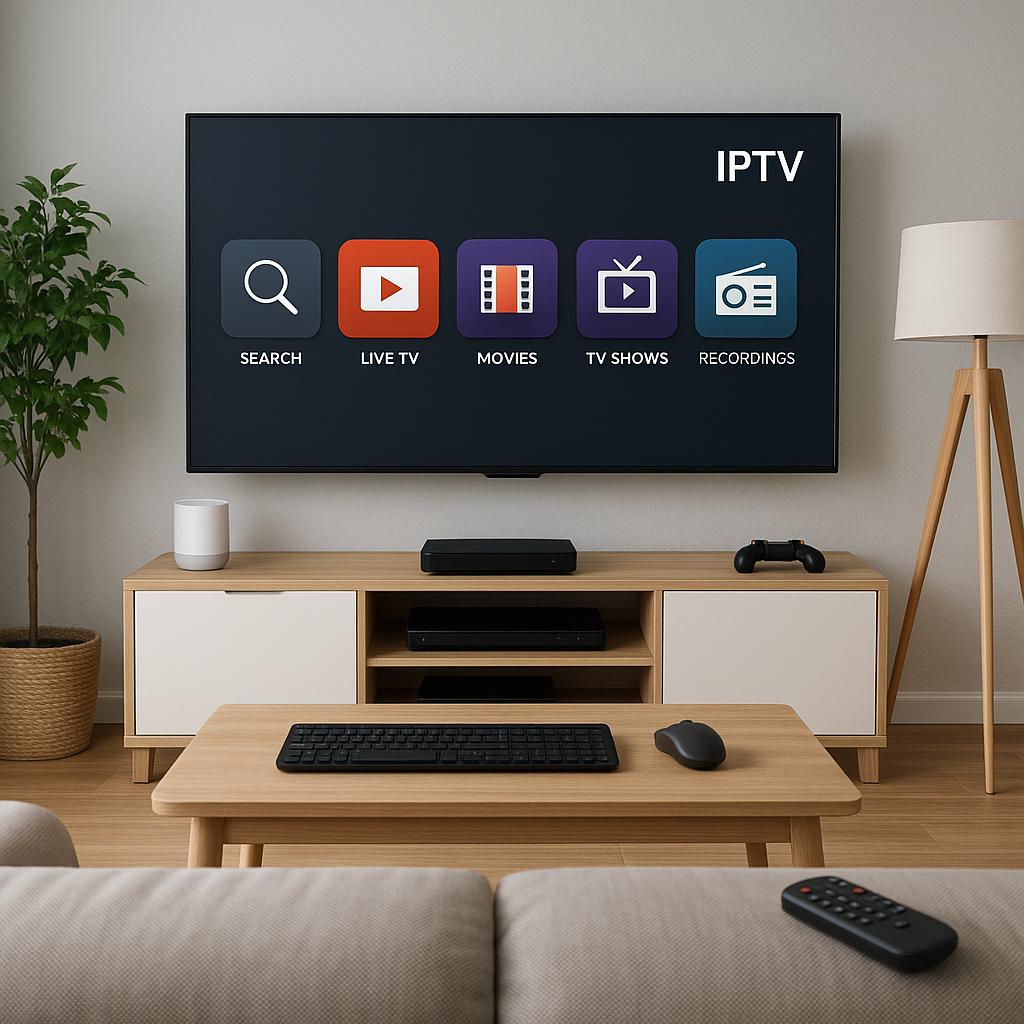
Think of your setup like a home theatre chain. Your IPTV service sends the content. Your internet brings it into the house. Your router shares it. Your streaming device decodes it. Your app organizes it. Your TV and speakers make it look and sound good. When each link is strong, streaming feels effortless.
A strong IPTV setup usually includes:
- A stable high-speed internet plan
- A reliable router placed in the right spot
- A streaming device that handles HD and 4K well
- A beginner-friendly IPTV app or player
- A TV with good picture settings
- Optional sound upgrades for movies and sports
- A simple backup plan for busy viewing nights
For Canadian homes, the setup should also handle seasonal habits. In winter, more people stream indoors at the same time. During playoffs, big sports events can mean longer viewing sessions. In families, multiple devices may be active at once. A good setup plans for real life, not just ideal conditions.
Start with the Right Internet for IPTV in Canada
Your internet connection is the foundation of the perfect home streaming setup for IPTV. If the connection is too slow or unstable, even the best TV and device will struggle. IPTV needs a steady data flow, especially for HD and 4K channels. Speed matters, but consistency matters just as much.
For a deeper breakdown of recommended speeds by stream quality, Primestelly has a helpful guide on internet speed for IPTV in Canada. As a simple rule, one HD stream needs less bandwidth than one 4K stream, and every extra screen in your home adds more demand.
For most Canadian households, consider these practical targets:
- 25 Mbps for basic HD streaming on one device
- 50 Mbps or more for smoother HD and light multitasking
- 100 Mbps or more for 4K and multiple users
- 300 Mbps or more for busy family homes
- Unlimited data if your household streams daily
Speed tests are useful, but they do not tell the full story. Run tests at different times of day. If your connection drops in the evening, that is when you may notice buffering most often. Also test from the room where you actually watch IPTV, not only beside the modem.
If you live in a condo or apartment building, congestion can happen when many neighbours are online at the same time. If you live in a larger detached home, distance from the router may be the bigger issue. The solution depends on your home, but the first step is always knowing what your connection is really delivering.
Build a Strong Wi-Fi Network for IPTV Streaming
Wi-Fi is one of the most common reasons IPTV feels unreliable. Many viewers assume their IPTV service is the issue, when the real problem is a weak signal, an old router, or interference from walls and other devices. The good news is that improving Wi-Fi is often simple and affordable.
Start by placing your router in an open, central location. Avoid hiding it in a cabinet, behind the TV, on the floor, or in a basement corner if most of your streaming happens upstairs. Wi-Fi signals dislike thick walls, metal objects, mirrors, appliances, and long distances.
You can learn more in this detailed Primestelly guide to improving Wi-Fi for IPTV streaming, but the basics are easy to apply:
- Keep the router high and open
- Use the 5 GHz band for nearby streaming devices
- Use 2.4 GHz for farther rooms if needed
- Restart your router occasionally
- Reduce unnecessary connected devices
- Consider mesh Wi-Fi for larger homes
If your IPTV device is close to the router, use an Ethernet cable whenever possible. Wired connections are usually more stable than Wi-Fi, especially for 4K, live sports, and busy households. Ethernet may not be as neat-looking, but it often solves buffering instantly.
Mesh Wi-Fi can be a great choice for Canadian homes with multiple floors, long hallways, finished basements, or thick older walls. A mesh system uses multiple access points to spread coverage more evenly. This can be better than one powerful router trying to reach every corner alone.
Choose the Best Router for Your IPTV Home Setup
Your router is the traffic manager of your home streaming setup. If it is outdated, overloaded, or poorly placed, it may struggle even when your internet plan is fast. Many people keep the default router from their internet provider for years. Sometimes it is good enough, but in many homes, upgrading the router is one of the best improvements you can make.
For a full shopping-style guide, see Primestelly’s article on the best routers for IPTV streaming in Canada. In general, look for a router that can handle multiple devices, offers strong 5 GHz or Wi-Fi 6 performance, and includes easy app-based controls.
Good router features for IPTV include:
- Wi-Fi 6 or newer support
- Strong coverage for your home size
- Quality of Service, often called QoS
- Multiple Ethernet ports
- Easy parental controls
- Simple firmware updates
- Mesh compatibility for larger homes
QoS can be especially helpful. It lets your router prioritize streaming traffic over less urgent tasks. For example, if someone is downloading a large file while you are watching a live hockey game, QoS can help keep the stream stable.
You do not always need the most expensive gaming router. For IPTV, reliability matters more than flashy design. Choose a router based on your home size, number of users, and whether you stream mostly in HD or 4K. If you have a family with several phones, tablets, laptops, smart speakers, and TVs, choose more capacity than you think you need.
Streaming Device vs Smart TV App: Which Setup Is Better?
One big decision in the perfect home streaming setup for IPTV is whether to use a built-in Smart TV app or a separate streaming device. Both can work well, but they suit different people. In most cases, a dedicated streaming device gives better long-term flexibility, while a Smart TV app keeps things simple and tidy.
A Smart TV app is convenient because there is no extra box, cable, or remote. If you have a Samsung or LG TV, you may be able to install an IPTV app directly. Primestelly has step-by-step guides for installing IPTV on Samsung Smart TV and installing IPTV on LG Smart TV webOS if you want a clean, app-only setup.
A separate streaming device, however, often feels faster. Devices like Firestick, Android TV boxes, Chromecast, or Apple TV are designed for streaming. They may offer better app support, easier updates, more storage, and smoother performance than an older Smart TV.
Here is a simple comparison:
- Smart TV app: fewer devices and cables
- Smart TV app: good for casual viewing
- Streaming device: usually faster and more flexible
- Streaming device: easier to replace or upgrade
- Streaming device: often better app selection
- Streaming device: helpful for older TVs
If your TV is new and the app runs smoothly, a Smart TV setup may be perfect. If your TV is older, slow, or missing your preferred IPTV app, a dedicated device is usually the better choice. A lot of viewers eventually prefer a streaming stick or box because it keeps the IPTV experience consistent even when they change TVs.
Best Devices for a Home Streaming Setup for IPTV
The best device depends on your budget, comfort level, and viewing habits. Some viewers want the easiest remote and cleanest interface. Others want more control, more apps, or stronger performance for 4K. The good news is that there are good options for nearly every home.
Firestick is popular because it is affordable, small, and easy to use. Android TV boxes are popular because they offer more flexibility and often stronger hardware. Apple TV is polished and reliable, especially for households already using iPhones and iPads. Chromecast works well for people who like the Google TV interface.
If you are choosing between two common options, this Primestelly comparison of Firestick vs Android TV Box for IPTV is a useful place to start. If you want a more powerful box-style device, you can also review the best Android TV boxes for IPTV.
Popular choices include:
- Amazon Fire TV Stick for simple setup
- Android TV Box for flexibility and power
- Chromecast with Google TV for a clean interface
- Apple TV for premium smoothness
- Smart TV apps for fewer cables
- Mobile devices for watching away from the living room
For the best living room experience, choose a device with enough storage, a responsive remote, regular updates, and support for the video quality you want. If you watch a lot of sports, smooth performance matters. If you watch mostly movies and shows, picture quality and app stability may matter more.
Also think about who will use the device. A tech-savvy viewer may enjoy advanced settings. A family member who just wants to press Guide and Watch needs simplicity. The perfect setup is the one everyone in the home can actually use comfortably.
Pick the Right IPTV App or Player
Your IPTV app is where you browse channels, open movies, view the TV guide, and manage your playlists or login details. A good app makes IPTV feel organized. A confusing app can make even a strong service feel difficult. For everyday Canadian viewers, the best app is usually the one that is stable, easy to read, and comfortable with your device.
If you are new to IPTV, Primestelly’s guide to the best IPTV apps for beginners in Canada is a friendly starting point. Viewers who want a broader comparison can also read the best IPTV players compared.
Common app features to look for include:
- Easy login or playlist setup
- Clear channel categories
- Electronic program guide support
- Favourites list
- Search for channels and VOD
- Parental controls
- Reliable playback options
IPTV Smarters Pro is one familiar option for many viewers, and Primestelly has a full guide on how to use IPTV Smarters Pro in Canada. Other apps may be better depending on your device. For example, Apple users may prefer apps designed for iOS and iPadOS, while Android TV users may want a player with more customization.
It is also wise to keep one backup IPTV app installed. Apps can sometimes update, crash, or behave differently after a device update. Having a backup player means you can switch quickly instead of missing a live event. This is especially helpful for sports fans and families who watch at specific times.
Step-by-Step: Set Up IPTV at Home the Easy Way
Once your internet, router, device, and app are chosen, setup is usually straightforward. The exact steps vary by device, but the general process is similar. Take your time, keep your login details nearby, and test everything before an important game or movie night.
- Check your internet speed. Run a speed test near your TV area and confirm your plan can handle the quality you want.
- Place your router properly. Move it to an open, central location or connect your streaming device by Ethernet if possible.
- Connect your streaming device. Plug it into your TV, connect power, and join your Wi-Fi or wired network.
- Install your IPTV app. Use your device’s app store or the approved installation method for that platform.
- Enter your subscription details. Add your login, portal URL, or playlist details exactly as provided.
- Load the guide and categories. Give the app a few minutes to sync live channels, VOD, and EPG data.
- Test different content. Try live TV, sports, movies, and VOD to confirm everything works smoothly.
- Create favourites. Save your most-watched channels so the whole family can find them quickly.
If your provider gives you an M3U playlist, follow a careful guide like Primestelly’s article on how to load an M3U playlist. A small typo in a playlist URL or login field can prevent channels from loading, so copy and paste details whenever possible.
Do not wait until five minutes before puck drop to test your setup. Set everything up in advance, restart the app once, and make sure the TV guide loads correctly. This little bit of preparation can prevent stress later.
Optimize Picture, Sound, and Comfort for IPTV
The perfect home streaming setup for IPTV is not only about avoiding buffering. It is also about making your living room feel enjoyable. Picture settings, sound quality, seating distance, and lighting can all improve the experience without changing your IPTV service.
Start with your TV picture mode. Many TVs ship in a bright store-demo style mode that looks flashy but unnatural at home. Try Cinema, Movie, Standard, or Filmmaker mode for more balanced colours. For sports, some viewers prefer a brighter mode, but avoid excessive motion smoothing if it makes the picture look strange.
Simple picture improvements include:
- Use 4K settings when available
- Turn off overly aggressive motion smoothing
- Adjust brightness for evening viewing
- Use the correct HDMI input mode
- Keep your TV firmware updated
- Sit at a comfortable distance from the screen
Sound matters too. Built-in TV speakers are fine for news and casual shows, but movies and sports often feel better with a soundbar or home theatre system. Clear dialogue, stronger crowd noise, and fuller music can make IPTV feel much more premium.
If you want to connect IPTV to better speakers, read Primestelly’s guide on connecting IPTV to a home theatre system in Canada. In most cases, HDMI ARC or optical audio makes setup simple. You do not need a professional cinema room to enjoy noticeably better sound.
Comfort also counts. Keep your remote easy to find, organize cables neatly, label HDMI inputs, and set up profiles or favourites for different family members. A perfect setup should feel calm, not cluttered.
Plan for Multiple Devices and Family Viewing
Many Canadian homes do not watch IPTV on just one screen. One person may watch sports in the living room, another may watch a show on a tablet, and kids may watch cartoons in another room. A good home streaming setup plans for this from the beginning.
First, check how many simultaneous devices your IPTV subscription allows. Do not assume every plan supports unlimited screens at the same time. Primestelly explains this in more detail in its guide to how many devices you can use with IPTV in Canada.
For family homes, think about:
- How many TVs are used at the same time
- Whether tablets or phones will stream too
- Which room needs the strongest Wi-Fi
- Whether kids need parental controls
- How to organize favourites by person
- Whether you need a second streaming device
Families should also consider kid-friendly categories, content controls, and easy navigation. If children use the system, avoid making them search through every adult channel or complicated menu. A simple favourites list can make the setup safer and easier.
For households with children, Primestelly’s guide to IPTV for families in Canada covers kid-friendly channels and controls. The goal is to make IPTV flexible without making it overwhelming.
If you regularly stream on multiple screens, your router and internet plan become more important. A single stream may work fine on modest internet, but three HD streams plus video calls and gaming can strain a weak connection. Plan for peak usage, not quiet moments.
Reduce Buffering Before It Ruins Movie Night
Buffering is one of the most frustrating IPTV problems, but it usually has a cause you can find. It may be weak Wi-Fi, slow internet, an overloaded device, too many apps running, or temporary network congestion. The good news is that most buffering can be reduced with a few practical checks.
If buffering is frequent, Primestelly has a dedicated guide on IPTV buffering fixes in Canada. For a quick home check, start with the basics before changing everything.
- Restart your router and streaming device
- Move closer to the router or use Ethernet
- Close unused apps on the device
- Clear app cache if your device allows it
- Test another channel or VOD title
- Check if other household devices are downloading
- Update your IPTV app and device software
Live sports may be more sensitive than on-demand content because live streams have less room to recover from delays. If you mainly notice buffering during major events, make sure no one is running large downloads, cloud backups, or online gaming at the same time.
Also be realistic about Wi-Fi distance. If your TV is in the basement and your router is upstairs in a bedroom, the signal may not be strong enough for stable 4K. A mesh system, Ethernet run, or powerline adapter may help, depending on your home wiring and layout.
Sometimes the device itself is the bottleneck. Older sticks and low-storage boxes can slow down over time. If your app opens slowly, menus lag, and every stream struggles despite good internet, upgrading the device may be the simplest fix.
Common Mistakes to Avoid in an IPTV Home Setup
Most IPTV setup mistakes are easy to fix, but they can create a lot of frustration if you do not know what to look for. Avoiding these issues from the start will make your perfect home streaming setup for IPTV feel much more dependable.
- Using weak Wi-Fi for 4K. If possible, use Ethernet or strong 5 GHz Wi-Fi near the router.
- Buying the cheapest streaming device. Very low-powered devices may lag, freeze, or run out of storage.
- Ignoring router placement. A router hidden in a cabinet will usually perform worse.
- Skipping updates. Device and app updates often fix playback bugs.
- Testing only one channel. Try live TV, sports, VOD, and different categories before deciding everything is working.
- Forgetting login details. Keep your IPTV credentials saved somewhere safe.
- Waiting until a big event. Set up and test before the night you really need it.
Another mistake is assuming one setup works for every household. A single person in a condo may be happy with a Smart TV app and standard Wi-Fi. A family in a large home may need mesh Wi-Fi, several devices, and a stronger internet plan. Your setup should match your space and habits.
Be careful with unknown apps, random links, or services that seem unclear. Canadian viewers should understand what they are buying and choose reputable options. If you are researching subscriptions, Primestelly’s guide to buying an IPTV subscription safely in Canada is worth reading before you commit.
IPTV Setup vs Cable TV Setup in Canada
Many viewers compare IPTV with traditional cable because both deliver live channels, sports, news, and entertainment. The setup, however, feels different. Cable usually depends on provider hardware and fixed packages. IPTV depends more on your internet, device, app, and subscription flexibility.
With cable, installation may involve a technician, a cable box, rental fees, and a fixed channel bundle. With IPTV, setup is often quicker and more flexible, but you are more responsible for your home network and device quality.
Here is the practical comparison:
- IPTV can work on many device types
- Cable usually uses provider boxes
- IPTV depends heavily on internet quality
- Cable may feel simpler for traditional viewers
- IPTV often offers more flexible channel access
- Cable can include higher monthly equipment costs
If you want a detailed cost comparison, read Primestelly’s article on IPTV vs cable TV in Canada. For many households, IPTV becomes attractive because it can reduce equipment clutter and offer more control over how and where you watch.
That said, IPTV rewards a good home setup. If your internet is poor or your Wi-Fi is weak, cable may seem more consistent. But once your IPTV setup is properly built, many viewers find it more flexible and modern than traditional cable.
Security, Privacy, and VPN Considerations
Security is part of a smart home streaming setup. Use strong passwords for your router, keep devices updated, and avoid installing unknown apps from suspicious sources. IPTV should feel convenient, but it should also feel safe.
Some Canadian viewers also use a VPN for privacy, travel, or network-related reasons. A VPN can be useful in some cases, but it may also reduce speed if the server is slow or far away. If you use one, choose a reputable VPN with fast Canadian or nearby servers.
Primestelly has a guide to the best VPN for IPTV in Canada if you want to understand the pros and cons. In most cases, a VPN should not be your first fix for buffering. Start with internet speed, Wi-Fi, router placement, and device performance first.
Also take time to understand IPTV rules and choose services responsibly. If you have questions, Primestelly’s article Is IPTV legal in Canada? explains the topic in a viewer-friendly way. A trustworthy setup starts with both good equipment and a reliable provider.
Your Perfect Home Streaming Setup Checklist
Before you call your setup finished, run through a simple checklist. This helps catch small issues before they become annoying. It also makes it easier to help family members use IPTV without calling you every time they want to watch something.
- Internet speed tested in the TV room
- Router placed high, open, and central
- Ethernet used for main TV if possible
- Streaming device updated and responsive
- IPTV app installed and tested
- Guide, favourites, and VOD loaded correctly
- Remote controls labelled or simplified
Next, test your real viewing habits. Watch a live channel for at least 15 minutes. Try a sports channel if you watch sports. Open a movie from VOD. Change channels quickly. Test another TV or device if your subscription supports it. This is more useful than a quick two-minute check.
If everything works, write down your setup details. Note the app name, device model, Wi-Fi network, and where your login details are stored. If you ever upgrade your TV or reset your device, this saves time.
Finally, keep your setup tidy. Remove unused apps, restart devices occasionally, and check for updates every so often. A little maintenance keeps IPTV feeling smooth month after month.
FAQ
What is the most important part of a home streaming setup for IPTV?
The most important part is a stable internet connection supported by strong Wi-Fi or Ethernet. Your streaming device and app matter too, but if the connection is weak, IPTV may buffer or drop quality. Start with internet speed, router placement, and signal strength before upgrading everything else.
Do I need a special TV for IPTV?
No, you do not need a special TV. IPTV can work on many Smart TVs, Firestick, Android TV boxes, Chromecast, Apple TV, phones, tablets, and computers. A newer TV may offer better picture quality, but an older TV can still work well with a good streaming device.
Is Ethernet better than Wi-Fi for IPTV?
Yes, in most cases Ethernet is more stable than Wi-Fi. It is especially helpful for 4K streaming, live sports, and busy homes with many connected devices. If running a cable is not practical, strong 5 GHz Wi-Fi or a mesh system can still work very well.
Which IPTV device is best for beginners?
For beginners, a Firestick, Chromecast with Google TV, or a simple Smart TV app is often easiest. Android TV boxes offer more flexibility, but they can feel more advanced. The best choice is the device that feels comfortable, responsive, and easy for your household to use.
How can I stop IPTV buffering at home?
Start by restarting your router and device, testing your internet speed, moving closer to the router, or using Ethernet. Also close unused apps, update your IPTV player, and reduce downloads during live viewing. If buffering continues, your router or streaming device may need an upgrade.
Final Thoughts
The perfect home streaming setup for IPTV is not about making your living room complicated. It is about building a simple, reliable system that fits your home, your internet, your devices, and the way you like to watch. With the right router placement, a strong connection, a comfortable streaming device, a friendly IPTV app, and a few smart settings, you can enjoy smoother live TV, sports, movies, and family viewing across your home. If you are ready to create a better IPTV experience in Canada, Primestelly is here to help you stream with confidence, comfort, and less hassle.