Best IPTV players can make the difference between a smooth, cable-like evening and a frustrating night of buffering, missing guides, and confusing menus.
At Primestelly, a lot of viewers ask the same question before they start: “Which IPTV player should I use?” It is a fair question, because the player is the app you actually see and use every day.
The good news is that you do not need to be technical to choose well. In most cases, the right IPTV player comes down to your device, how much you care about a TV guide, whether you watch sports, and how easy you want the remote control experience to feel.
This guide compares the most popular IPTV player software options for Canadian viewers in 2026, including apps for Firestick, Android TV boxes, Apple TV, iPhone, iPad, Samsung TVs, LG TVs, and Chromecast-style setups.
Think of this as a friendly player software showdown: practical, honest, and focused on what real households care about, not confusing jargon.
Why the Best IPTV Players Matter More Than People Think
An IPTV player is not usually the service itself. It is the app that opens your playlist, organizes channels, displays the electronic program guide, plays movies on demand, and lets you switch between live channels. Your provider supplies access, while the player gives you the viewing experience.
This is why two people can use the same IPTV subscription and have very different opinions. One viewer may have a clean guide, fast channel switching, and smooth playback. Another may be stuck with a clunky app, no favourites, and menus that feel like they were designed ten years ago.
A good IPTV player should help you:
- Find channels quickly
- Save favourites for everyday viewing
- Read the TV guide easily
- Play VOD movies and series smoothly
- Use subtitles and audio options when available
- Switch channels without long delays
- Feel comfortable using a remote control
Canadian households often have mixed viewing habits. One person wants hockey and news, another wants kids’ channels, someone else wants international programming, and many families want movies on demand. The player needs to make all of that feel simple.
If you are comparing the overall streaming experience, you may also enjoy Primestelly’s related guide on the best IPTV players in Canada for 2026, which looks at popular player choices from another practical angle.
Quick Comparison of the Best IPTV Players in 2026
Before we go deeper, here is a simple comparison of the IPTV players many Canadian viewers consider first. Availability can change by app store, device, and region, so always check your exact device before paying for a player license.
| IPTV Player | Best For | Ease of Use | Strong Point | Watch Out For |
|---|---|---|---|---|
| TiviMate | Android TV and Firestick | Very good | Excellent live TV layout | Not designed for iPhone or Apple TV |
| IPTV Smarters Pro | Most devices | Good | Familiar layout and broad support | Interface varies by version |
| XCIPTV | Android-based devices | Good | Simple menus and quick setup | Less polished than premium apps |
| OTT Navigator | Advanced Android users | Medium | Lots of customization | Can feel busy for beginners |
| Sparkle TV | Android TV users | Good | Modern feel and strong playback | May require some setup time |
| GSE Smart IPTV | iPhone and iPad | Medium | Flexible playlist support | Menus can feel technical |
| iPlayTV | Apple TV | Very good | Clean Apple-style experience | Paid app and Apple-focused |
| Smart IPTV / IBO Player | Samsung and LG smart TVs | Good | No extra streaming box needed | TV apps can be less powerful |
There is no single perfect IPTV player for everyone. A Firestick user, an Apple TV user, and a Samsung Smart TV user may all choose different apps and still make the right choice.
Here is the simplest way to think about it:
- Best overall Android TV feel: TiviMate
- Best familiar all-rounder: IPTV Smarters Pro
- Best simple Android option: XCIPTV
- Best advanced customization: OTT Navigator
- Best Apple TV experience: iPlayTV
- Best iPhone and iPad options: GSE, UHF, or Smarters-style apps
- Best smart TV convenience: IBO Player, Smart IPTV, or similar TV apps
Best IPTV Players Compared by Platform
The device you use matters more than almost anything else. The best IPTV player for a Firestick may not even exist on an LG TV. The best Apple TV app may not work on Android. So instead of chasing one universal winner, it is smarter to choose by platform.
If you are still deciding what hardware to buy, Primestelly has a helpful breakdown of Firestick vs Android TV Box for IPTV in Canada. That guide is worth reading before you spend money on a device, because your player options depend heavily on that decision.
Firestick and Android TV: TiviMate, IPTV Smarters, XCIPTV, OTT Navigator
For Firestick, Android TV, Google TV, and Android TV boxes, the strongest player choices are usually TiviMate, IPTV Smarters Pro, XCIPTV, OTT Navigator, and Sparkle TV. This is the most flexible IPTV environment because Android-based devices support many player apps.
TiviMate is often the favourite for people who mainly watch live TV. The layout feels close to a modern cable box, with a clean channel list, guide view, groups, favourites, and fast navigation. If you like pressing up and down on a remote and seeing what is on right now, TiviMate feels natural.
TiviMate is especially strong for:
- Live TV channel surfing
- Favourite channel lists
- Electronic program guide viewing
- Remote-friendly navigation
- Multiple playlists in the premium version
- Cleaner channel organization
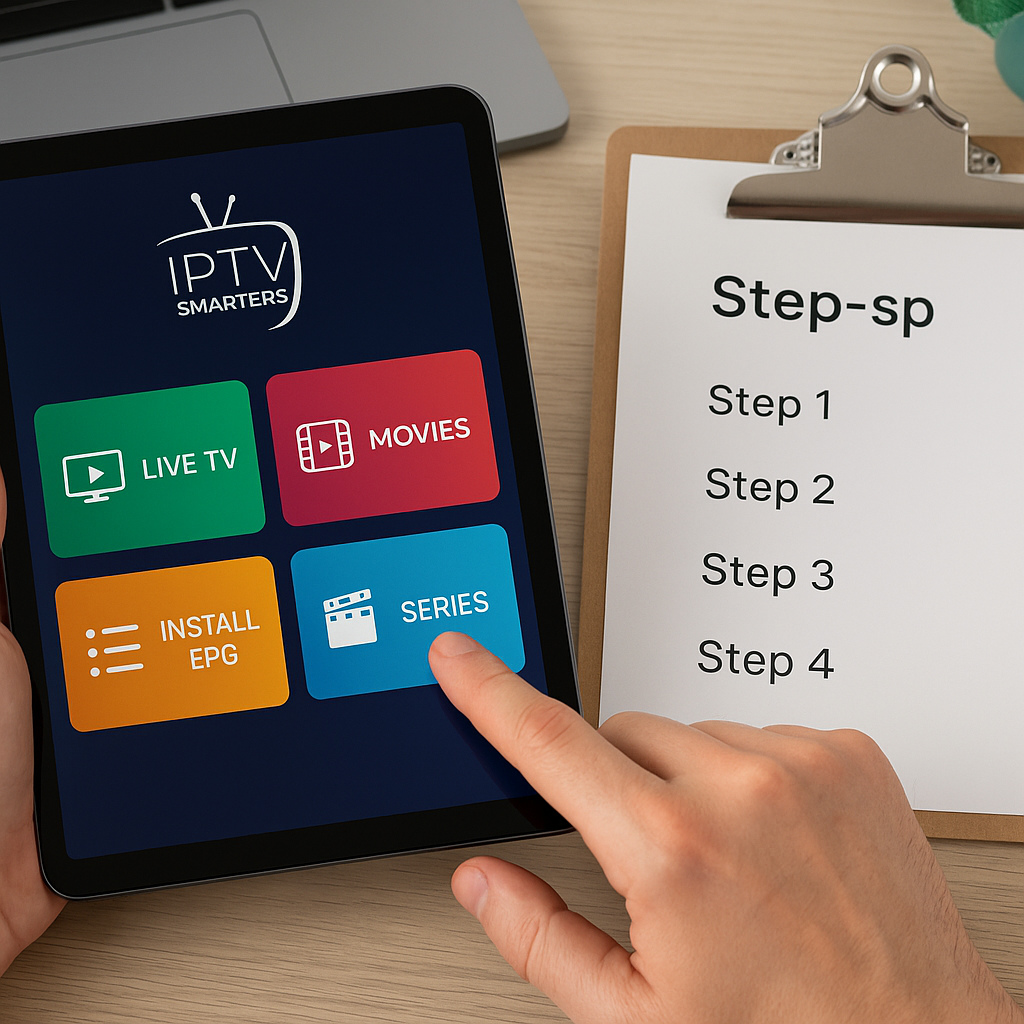
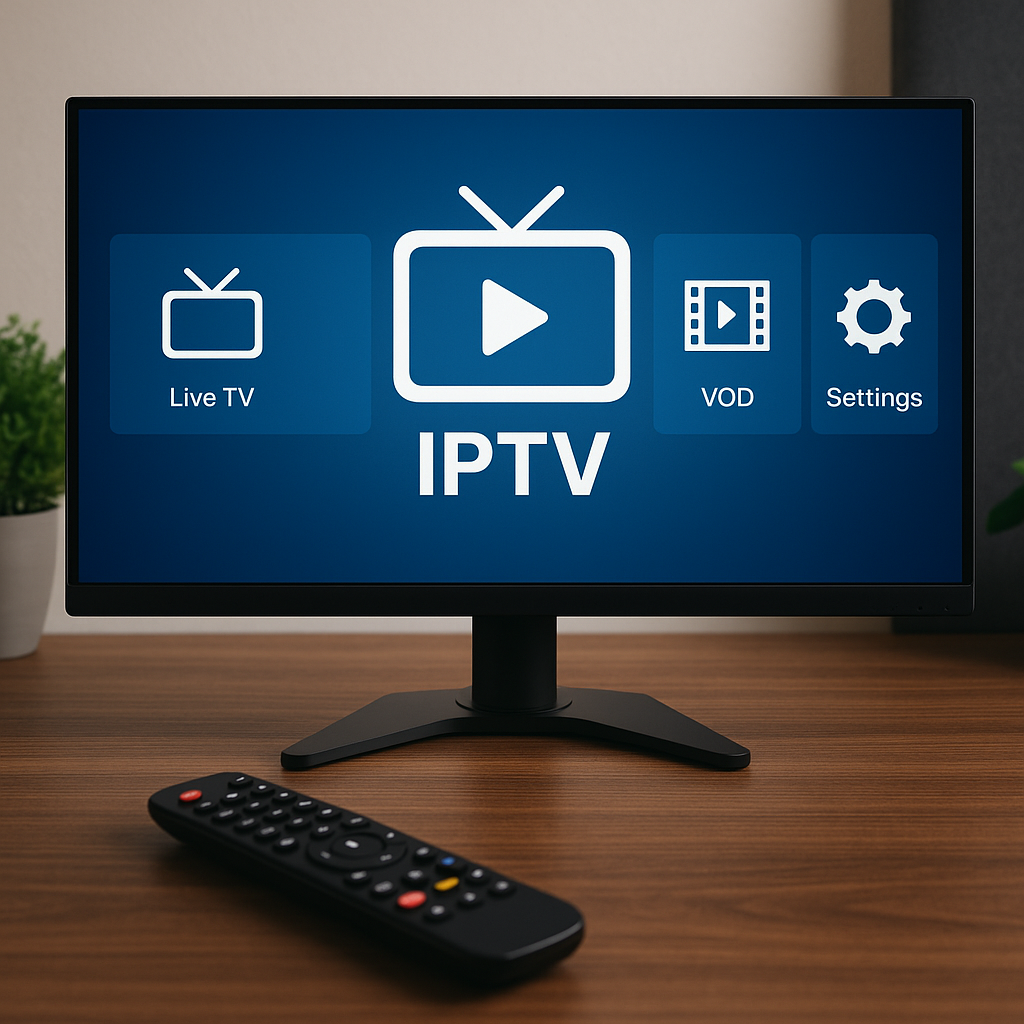
IPTV Smarters Pro is another very popular choice. It has a familiar dashboard with Live TV, Movies, Series, and sometimes Catch-Up, depending on the provider. Many viewers like it because it feels straightforward: log in, choose a section, and start watching.
XCIPTV is a good middle-ground option. It is not always as polished as TiviMate, but it is easy to understand and works well for many everyday users. It is often a comfortable choice for people who do not want too many settings.
OTT Navigator is powerful but better for viewers who enjoy tweaking settings. It can organize channels beautifully, but beginners may need a little patience. If you are setting up IPTV for parents or grandparents, TiviMate or IPTV Smarters may feel simpler.
Sparkle TV has become more popular because it feels modern and handles live TV nicely on Android TV. It may not be the first app everyone mentions, but it is worth considering if you like a cleaner newer interface.
If your setup is based on a dedicated Android device, you can also compare hardware choices in Primestelly’s guide to the best Android TV boxes for IPTV in 2026.
Apple TV, iPhone, and iPad: iPlayTV, UHF, GSE, and Smarters-Style Apps
Apple users usually want an app that looks clean, works smoothly, and does not feel like a complicated technical tool. On Apple TV, iPlayTV is a popular paid option because it fits the Apple TV experience well. It looks neat, works with the remote, and makes live TV feel organized.
For iPhone and iPad, options may include GSE Smart IPTV, UHF, IPTV Smarters-style apps, and other App Store players depending on availability. The best choice depends on whether you prefer a phone-friendly layout or a more full-screen TV-style layout.
Apple users should look for:
- Easy playlist login
- Support for Xtream Codes or M3U
- Clear EPG display
- AirPlay or casting support if needed
- Stable VOD playback
- Good remote support on Apple TV
If you mainly watch on a phone or tablet, Primestelly’s guide to the best IPTV apps for iOS and iPadOS in Canada is a helpful companion. For the living room, the step-by-step Apple TV IPTV setup guide explains what to expect when installing and logging into a player.
The good news is that Apple TV can deliver a very polished IPTV experience when paired with the right player. The main limitation is that the Apple ecosystem is more controlled than Android, so there are fewer app choices and less sideloading flexibility.
Samsung and LG Smart TVs: Smart IPTV, IBO Player, SmartOne, and Similar Apps
Smart TV apps are convenient because you do not need a Firestick, box, or extra remote. For many households, that simplicity is the whole point. Open the TV, launch the IPTV player, and watch.
On Samsung and LG TVs, common IPTV player options include Smart IPTV, IBO Player, SmartOne IPTV, Flix IPTV-style apps, DuplexPlay-style apps, and other apps available through the TV’s app store. Availability changes, so the best app is often the one your TV store currently supports well.
Smart TV players are best for viewers who want:
- Fewer devices under the TV
- One remote control
- Simple live TV access
- Basic VOD and series menus
- A clean setup without cables
There are trade-offs. Smart TV apps can be slower than apps on a good Android box or Apple TV. Storage is limited, app updates may be inconsistent, and older TVs sometimes struggle with heavier playlists or large VOD libraries.
If you own an LG television, follow Primestelly’s guide on how to install IPTV on LG Smart TV webOS. Samsung users can use the related guide for installing IPTV on Samsung Smart TV.
In most cases, a newer smart TV is fine for casual viewing. But if you watch IPTV every day, especially sports and VOD, a dedicated streaming device may feel faster and more reliable.
Feature Showdown: EPG, VOD, Playback, and Remote Control
Once you have narrowed your choice by device, compare the features that affect your daily viewing. A player may look attractive at first, but if the TV guide is hard to read or the remote control feels awkward, it can become annoying quickly.
The most important features are usually:
- EPG quality and guide layout
- Channel group organization
- Favourites and recently watched lists
- VOD movie and series browsing
- Subtitle and audio track support
- Playback engine stability
- Backup and multi-device convenience
EPG matters because it makes IPTV feel familiar. Without a guide, you may only see channel names. With a good guide, you can see what is playing, what is coming next, and sometimes programme details. TiviMate is one of the strongest guide-based players on Android. iPlayTV also does well on Apple TV. IPTV Smarters is easy enough for most viewers, though its guide layout may not feel as premium as TiviMate.
VOD matters if you watch movies and series. IPTV Smarters-style apps often do well here because they separate Live TV, Movies, and Series clearly. TiviMate is excellent for live TV, but some viewers prefer other apps when browsing large on-demand libraries. If VOD is a big part of your household viewing, you may also want to read Primestelly’s guide to IPTV VOD in Canada.
Playback stability matters more than fancy design. A beautiful app is not useful if streams freeze or audio drifts out of sync. In many cases, buffering is caused by Wi-Fi, device performance, server load, or internet speed rather than the player alone. Still, a strong player with good decoding options can help.
If buffering is your main issue, do not immediately blame the app. Use Primestelly’s practical IPTV buffering fix guide for Canada to check your internet, Wi-Fi, device, and settings before changing everything.
Remote control design matters for families. A player that is easy on a phone may be awkward on a TV remote. For living rooms, choose apps with large menus, simple category navigation, and quick access to favourites. For mobile viewing, touch-friendly search and portrait mode may matter more.
Free vs paid IPTV players: free players are helpful for testing, but paid players often offer better guide tools, fewer limitations, cleaner layouts, and more reliable long-term use. If you watch IPTV regularly, a good player license is usually a small cost compared with the comfort it adds.
How to Choose the Best IPTV Player for Your Home
The best IPTV players are the ones that match your routine. A sports fan who watches live games every night has different needs than someone who mostly watches movies on weekends. A family with kids needs favourites, simple menus, and stable playback. A solo viewer on an iPad may care more about mobility.
Start with these questions:
- What device will you use most often?
- Do you mainly watch live TV or VOD?
- Do you need a full TV guide?
- Will kids or older relatives use it?
- Do you need multiple playlists?
- Do you prefer free apps or paid premium apps?
- Will you watch on more than one screen?
For most Canadian living rooms, the easiest recommendations look like this:
- Firestick or Android TV: try TiviMate first for live TV
- Android with lots of VOD: try IPTV Smarters Pro or XCIPTV
- Apple TV: consider iPlayTV or another polished tvOS player
- iPhone or iPad: compare GSE, UHF, and Smarters-style apps
- Samsung or LG TV: use a reliable app from the TV store
- Family setup: choose the simplest remote-friendly interface
If you plan to stream on several screens, check how your subscription handles simultaneous connections. A player can be installed on many devices, but the number of streams you can watch at the same time depends on your plan. Primestelly explains this clearly in its article on how many devices you can use with IPTV in Canada.
It is also worth testing before committing. A short trial can reveal whether the player, device, internet connection, and subscription all work well together. If you like to test first, see Primestelly’s guide to an IPTV Canada free trial.
For parents, simplicity is not just a nice bonus. It makes the whole household happier. A player with favourites, clear categories, and easy search can reduce confusion. If family viewing is your priority, Primestelly’s article on IPTV for families in Canada covers kid-friendly planning and control ideas.
Step-by-Step: Testing an IPTV Player Before You Settle
You do not have to guess. The easiest way to choose a player is to test two or three options on the device you actually plan to use. Try them in real conditions: evening Wi-Fi, your regular TV, your normal remote, and the channels you watch most.
- Choose your main device. Decide whether you will watch on Firestick, Android TV, Apple TV, smart TV, phone, tablet, or Chromecast.
- Install one player at a time. Avoid installing too many apps at once, because it becomes harder to remember which settings worked.
- Log in using the correct method. Many providers support Xtream Codes, M3U links, or portal-style login depending on the app.
- Load the live TV categories. Check whether channels appear in logical groups like Canada, USA, Sports, Movies, Kids, News, and International.
- Open the EPG. Look for guide data, programme times, and whether the time zone appears correct for your province.
- Test your favourite channels. Try sports, news, local channels, international channels, and a few HD or 4K streams if available.
- Test VOD and series. Open movies and shows, check loading speed, subtitles, and resume playback if the app supports it.
- Create favourites. Save your everyday channels and see if they are easy to access later.
- Use it for a full evening. A player that feels fine for five minutes may feel clumsy after two hours.
- Compare honestly. Keep the app that feels easiest, fastest, and most reliable for your household.
If you use Chromecast or Google TV, your app choice may depend on whether you are casting from a phone or installing directly on the device. Primestelly’s guide on how to set up IPTV on Chromecast explains the difference in a beginner-friendly way.
Also remember that a player cannot fix every issue. If the internet connection is weak, the Wi-Fi is crowded, or the device is outdated, even the best app may struggle. For best results, use a modern streaming device, keep apps updated, and restart your router occasionally.
Common Mistakes to Avoid
Most IPTV player problems come from a handful of simple mistakes. The good news is that they are easy to avoid once you know what to look for.
- Choosing by looks only. A pretty interface is nice, but stability, guide support, and remote control comfort matter more.
- Using an old device. Older smart TVs and low-storage sticks may struggle with large playlists and VOD sections.
- Ignoring the EPG time zone. If the guide is off by one or two hours, check app settings before assuming the guide is broken.
- Installing too many players. Testing is good, but too many apps can create confusion and storage issues.
- Blaming the player for Wi-Fi problems. Buffering often comes from weak wireless signal or overloaded home networks.
- Skipping favourites. Favourites make IPTV much easier, especially when there are many channel categories.
- Not checking app store availability. Some players are available on one platform but not another.
Another common mistake is buying hardware without thinking about the player first. For example, if you really want TiviMate, you should choose Android TV, Google TV, Firestick, or an Android box rather than Apple TV or a Samsung TV app. If you prefer Apple’s clean interface, Apple TV may be better, but you will use different player software.
Some viewers also forget that IPTV player apps and IPTV services are separate. A player may charge a one-time or yearly app fee, while your IPTV subscription is separate. Paying for a player does not automatically include channels. It simply unlocks the software features.
Finally, be careful with unofficial app downloads from unknown websites. Stick with trusted app stores when possible, follow clear setup instructions, and avoid entering personal payment details into questionable sources. In most cases, a reputable IPTV provider can tell you which player options work best with your subscription.
Best IPTV Players Compared: Final Recommendations by Viewer Type
Let’s bring the showdown back to real life. If you are a typical Canadian viewer who wants live TV, sports, news, movies, and a simple guide, your best option depends on your device.
For live TV lovers on Firestick or Android TV: TiviMate is hard to beat. It feels organized, quick, and comfortable with a remote. It is especially good for people who miss the familiar cable guide experience.
For mixed live TV and VOD households: IPTV Smarters Pro is a strong all-rounder. The dashboard is easy to understand, and many viewers like how it separates live channels, movies, and series.
For simple Android setups: XCIPTV is a good option when you want fewer settings and a more straightforward path to watching. It may not be the most premium-feeling app, but it is approachable.
For advanced users: OTT Navigator offers deep customization. If you enjoy organizing channels, adjusting layout behaviour, and fine-tuning the experience, it can be rewarding.
For Apple TV users: iPlayTV and similar tvOS-focused players are usually better than trying to force an Android-style experience. Apple TV works best when the player is built for the platform.
For iPhone and iPad viewers: compare GSE, UHF, and Smarters-style options. The right choice is the one that feels good on a touchscreen and supports your provider’s login method.
For Samsung and LG TV owners: a smart TV player like IBO Player, Smart IPTV, or SmartOne IPTV can be convenient. Just remember that a dedicated streaming device may perform better if you watch heavily.
If you are still comparing IPTV as a whole, not just player apps, Primestelly’s broader best IPTV service comparison for 2026 can help you understand how service quality, channels, device support, and pricing fit together.
FAQ
What is the best IPTV player overall in 2026?
For Android TV and Firestick users, TiviMate is often the best overall IPTV player because it offers a clean live TV guide, strong favourites, and a remote-friendly layout. For Apple TV, iPlayTV is a popular polished option. For smart TVs, the best choice is usually the most reliable IPTV player available in your Samsung or LG app store.
Is an IPTV player the same as an IPTV subscription?
No. An IPTV player is the app that displays and plays your channels, guide, movies, and series. An IPTV subscription is the service access provided separately. In most cases, you need both: a subscription from your provider and a compatible player installed on your device.
Do I need to pay for an IPTV player?
Not always. Some IPTV players are free or offer free versions, while others require a one-time fee, yearly license, or premium upgrade. If you watch often, paying for a well-designed player can be worthwhile because it may improve guide features, playlist management, and daily ease of use.
Which IPTV player is best for sports in Canada?
For sports, choose a player with fast channel switching, a clear EPG, easy favourites, and stable playback. TiviMate is excellent on Android-based devices for live sports browsing. IPTV Smarters Pro can also work well, especially if you like separating live sports channels from movies and series.
Can I use the same IPTV player on multiple devices?
Sometimes, but it depends on the app license and your subscription rules. You may be able to install the same player on several devices, but simultaneous streaming depends on your IPTV plan. Always check how many connections your subscription includes before watching on multiple screens at once.
Final Thoughts: The best IPTV players are not about choosing the fanciest name; they are about choosing the app that feels smooth, simple, and reliable in your home. For many Canadian viewers, TiviMate is excellent on Android-based devices, IPTV Smarters Pro is a friendly all-rounder, iPlayTV suits Apple TV, and smart TV players offer convenient no-box viewing. If you want help pairing the right player with a dependable IPTV experience, Primestelly is here with calm guidance, practical setup support, and plans designed for everyday Canadian streaming.